Most catastrophic breaches do not begin with brilliance.
They begin with convenience.
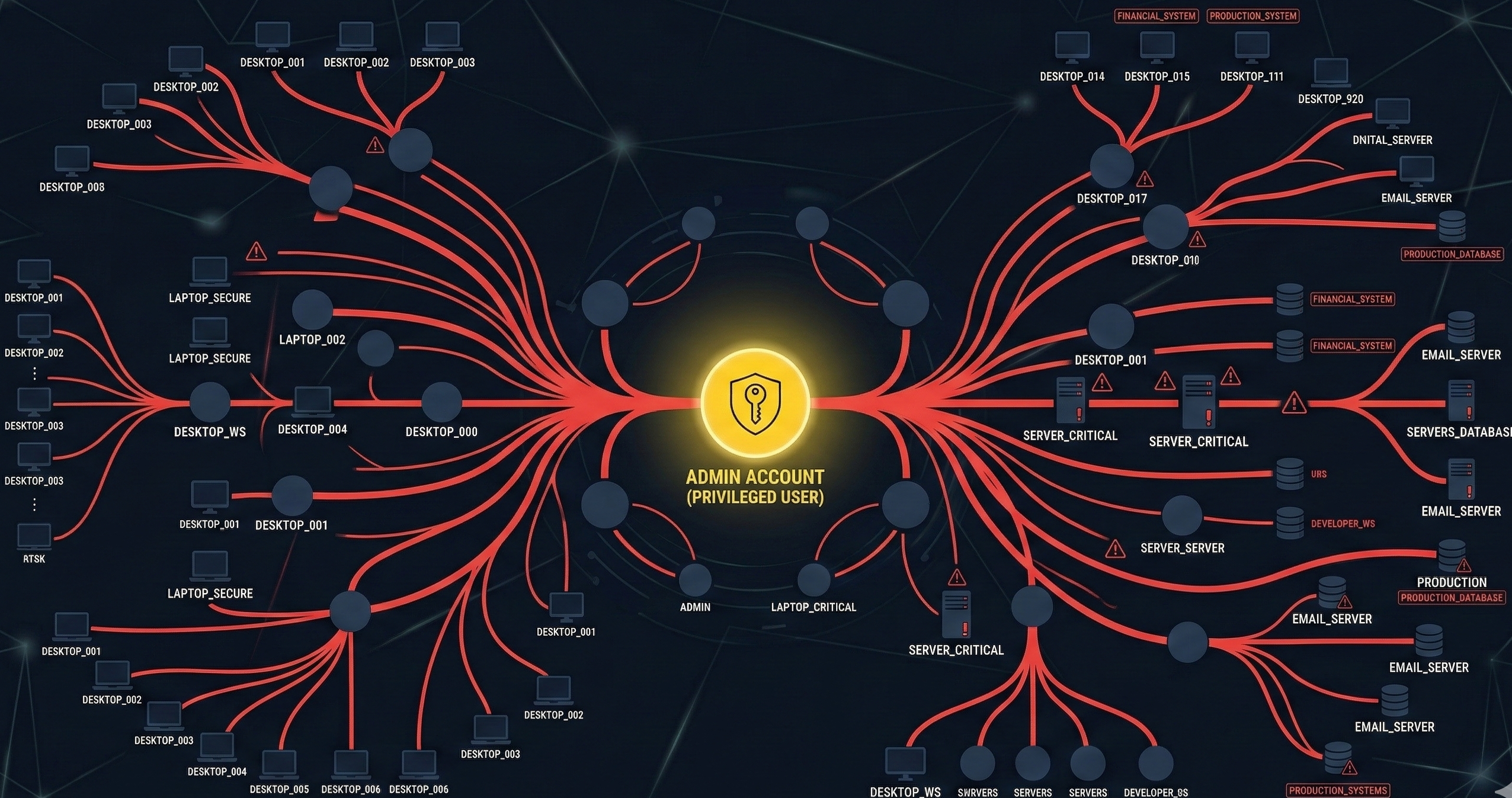
An employee needs software installed. IT grants local admin “temporarily.” Months later, ransomware lands via phishing, inherits elevated rights, and pivots laterally across the network.
The debate around root vs administrator is often framed as operating system trivia. It is not. It is about how privilege culture shapes blast radius.
Windows environments frequently normalize persistent admin rights. Linux environments, by design, encourage deliberate privilege elevation through sudo, session-based control, and tighter defaults.
That difference changes breach outcomes.
This article breaks down:
- How sudo workflows create auditable privilege boundaries
- Why “local admin everywhere” remains a common Windows anti-pattern
- How privilege segmentation reduces lateral movement
- What a real ransomware chain looks like step-by-step
- A staged privilege reduction plan for live environments
This is not about OS tribalism. It is about operational risk design.
Sudo Workflows and Auditable Privilege Elevation
The structural difference in the root vs administrator conversation begins with workflow.
Root Is Powerful. Access Is Constrained.
On Linux systems such as Ubuntu or Red Hat Enterprise Linux:
- Users operate as standard accounts
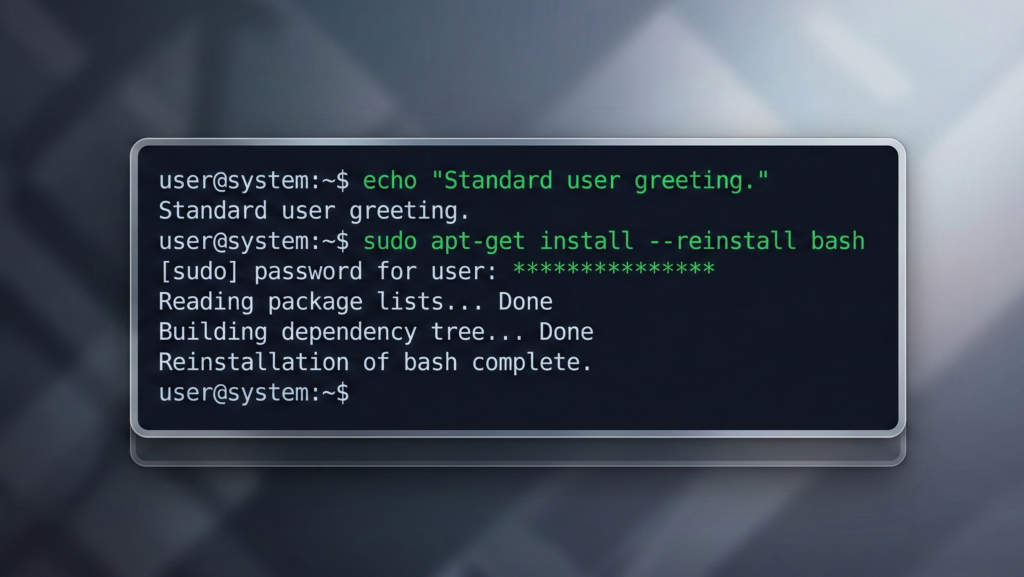
- Administrative actions require explicit
sudoinvocation - Elevation is time-bound and command-specific
- Activity can be logged centrally
A typical workflow:
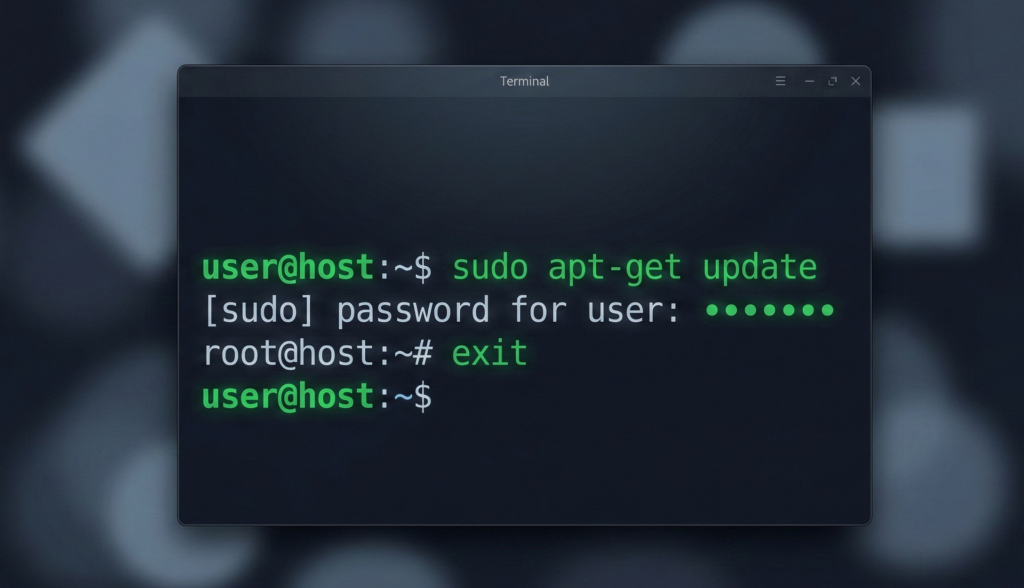
- User runs a command
- System prompts for authentication
- Elevation applies only to that command
- Session returns to standard privileges
Privilege is borrowed, not lived in.
This shapes user behavior. Administrators do not remain permanently elevated. They escalate intentionally.
Auditability Changes Accountability
Sudo logs:
- Which user invoked elevation
- Which command executed
- When it occurred
In regulated environments, that audit trail matters. It enables:
- Forensic reconstruction
- Policy enforcement
- Separation-of-duties controls
Practical takeaway:
Even in mixed environments, implement time-bound privilege elevation tools and centralized logging. Permanent admin sessions are operational debt.
The Windows “Local Admin Everywhere” Anti-Pattern
The Windows ecosystem supports least privilege. The problem is cultural implementation.
Convenience Over Constraint
In many small and mid-sized networks:
- Users receive local admin rights
- Shared admin credentials circulate informally
- Domain admin accounts are reused broadly
- Service accounts are overprivileged
This pattern persists because it simplifies support tickets.
It also simplifies attacker movement.
When everyone is an admin, compromise escalates instantly.
The Credential Reuse Multiplier
Attackers rely heavily on:
- Credential harvesting
- Pass-the-hash techniques
- Token impersonation
- Cached credential reuse
If a compromised workstation holds local admin rights across multiple machines, lateral movement becomes scripted automation.
Research and incident response casework repeatedly show that privilege sprawl amplifies ransomware blast radius.
Practical takeaway:
Audit local administrator group membership across all endpoints. Remove users by default. Replace shared admin credentials with managed privileged access solutions.
For related endpoint exposure patterns, see:
[INTERNAL LINK: Why Linux Desktops Get Less Malware]
Reducing Lateral Movement With Privilege Boundaries
Ransomware campaigns follow a consistent chain:
- Initial access via phishing or exploit
- Privilege escalation
- Credential harvesting
- Lateral movement
- Domain-wide impact
The turning point is privilege escalation.
Same Entry Point, Different Network Outcome
Consider two environments:
Environment A
- User has local admin
- Same local admin password reused across endpoints
- Domain admin occasionally logs into workstations
Result: attacker moves laterally within minutes.
Environment B
- Users are standard accounts
- Local admin is unique per machine
- Domain admin accounts restricted to jump servers
- Logging alerts on abnormal elevation
Result: attacker containment at initial endpoint.
Privilege boundaries are segmentation for credentials.
Even partial reduction in privilege overlap materially increases attacker effort.
Designing for Failure Containment
Security design assumes breach. The question becomes:
- Does compromise remain local?
- Or does it cascade network-wide?
Architecture determines the answer.
Practical takeaway:
Isolate domain admin usage. Enforce unique local admin credentials per endpoint. Deploy monitoring on privilege elevation events.
Ransomware Chain: Initial Access → Admin → Domain Impact
Let’s examine a realistic sequence.
Step 1: Phishing Entry
User opens malicious attachment. Malware executes in user context.
Step 2: Credential Harvesting
Malware extracts cached credentials and tokens.
Step 3: Privilege Escalation
If the user already has local admin rights, escalation is immediate.
If not, attacker must exploit vulnerability or steal higher-privileged credentials.
This step is where architecture matters most.
Step 4: Lateral Movement
Using tools like remote management protocols, attacker spreads to additional endpoints.
If shared admin credentials exist, propagation accelerates.
Step 5: Domain-Level Compromise
If domain admin credentials are exposed on compromised endpoints, the attacker can:
- Modify group policies
- Deploy ransomware centrally
- Disable backups
The privilege gap determines whether ransomware becomes inconvenience or catastrophe.
This is not hypothetical. It reflects consistent incident response patterns documented by cybersecurity practitioners and regulatory post-breach analyses.
Practical takeaway:
Remove domain admin logins from workstations. Use dedicated administrative jump systems.
A Staged Privilege Reduction Plan (Operational Framework)
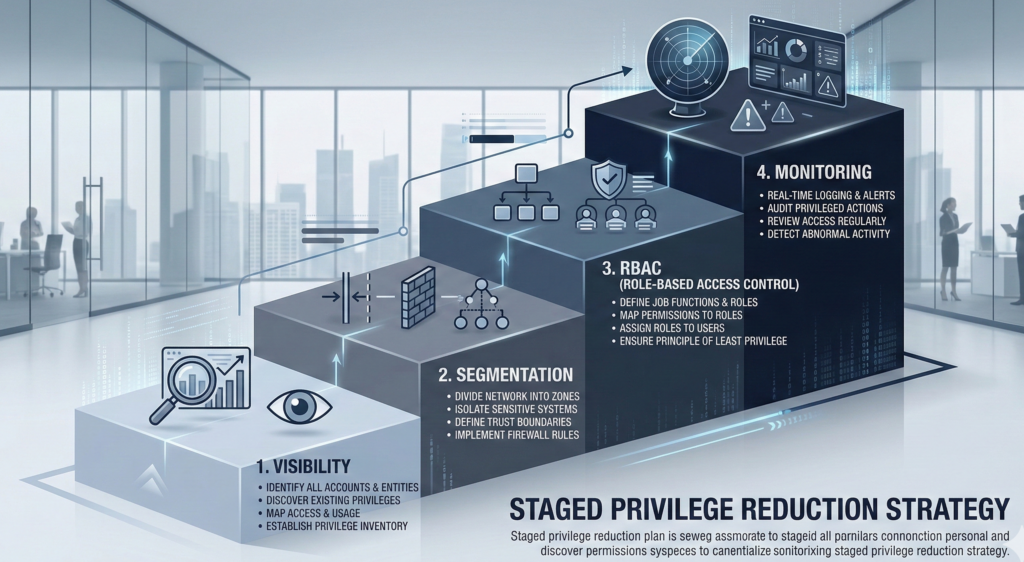
Privilege reduction cannot be abrupt in live environments. It must be staged.
Phase 1: Visibility
- Inventory local admin group membership
- Identify shared credentials
- Map domain admin login patterns
No changes yet. Only mapping.
Phase 2: Credential Segmentation
- Implement unique local admin passwords per endpoint
- Restrict domain admin logins to secure hosts
- Separate service accounts by function
Phase 3: Role-Based Access Control
- Convert users to standard accounts
- Provide just-in-time elevation tools
- Implement approval workflows for persistent elevation
Phase 4: Monitoring and Enforcement
- Log and alert on privilege escalation
- Audit admin group changes
- Review quarterly
For organizations modernizing infrastructure during platform migrations, providers like Carefree Computing often redesign privilege models during transition rather than after a breach forces reactive changes.
The key insight: Privilege reduction is a risk multiplier in reverse. Small improvements produce disproportionate resilience gains.
Privilege Design and AI Infrastructure Governance
The root vs administrator misunderstanding extends beyond operating systems.
In enterprise AI deployments:
- Overprivileged API keys
- Unrestricted data connectors
- Broad system integrations
Create similar blast radius risks.
Platforms like Aivorys (https://aivorys.com) address this by enforcing prompt guardrails, controlled integrations, and auditable workflows within private AI deployments. The principle mirrors least privilege: access is scoped, logged, and purpose-bound.
Architecture shapes outcome.
Whether in network administration or AI automation, uncontrolled elevation becomes silent systemic risk.
Practical takeaway:
Apply least privilege principles to every layer, including automation platforms and service accounts.
For deeper guidance on architectural containment, see:
[INTERNAL LINK: Package Managers vs Random Downloads]
Frequently Asked Questions
What is the difference between root and administrator?
Root is the unrestricted superuser account in Linux systems. Administrator roles in Windows provide elevated privileges but are often assigned persistently to users. Linux workflows typically encourage temporary elevation via sudo, while Windows environments sometimes normalize continuous administrative access.
Is giving users local admin rights really that risky?
Yes. Local admin rights enable software installation, system configuration changes, and credential harvesting opportunities. If attackers compromise a user account with local admin privileges, lateral movement becomes significantly easier.
How does least privilege prevent ransomware spread?
Least privilege limits what compromised accounts can access. When users operate as standard accounts and admin credentials are segmented, attackers face additional barriers during escalation and lateral movement, reducing network-wide impact.
Can Windows be configured securely like Linux?
Yes. Windows supports role-based access control, privileged access management, and just-in-time elevation. The risk arises from operational shortcuts, not inherent inability.
What is lateral movement in cybersecurity?
Lateral movement refers to attackers moving from one compromised system to others within a network using stolen credentials or administrative tools. Privilege boundaries directly influence how easily this movement occurs.
Conclusion: Privilege Is a Design Choice, Not a Default
The debate around root vs administrator is not academic. It is architectural.
When privilege is treated as convenience, breaches cascade. When privilege is treated as a controlled resource, breaches contain.
Linux did not solve security through magic. It embedded friction into administrative workflows. Windows environments can achieve similar resilience, but only through deliberate privilege discipline.
The organizations that survive ransomware are not the ones with the most software. They are the ones with the narrowest escalation paths.
Privilege boundaries are not obstacles. They are guardrails.
And guardrails determine whether a mistake becomes a lesson or a headline.